 Aura

The polish of Apple Music. For the library you host.
A native SwiftUI player for Navidrome and Subsonic servers. Lossless, synced lyrics, mixes built from your own listening, fully offline.
Free · iPhone, iPad, Apple Watch and Mac · iOS 26, iPadOS 26 or macOS 26 or later
Listed in the Navidrome app catalog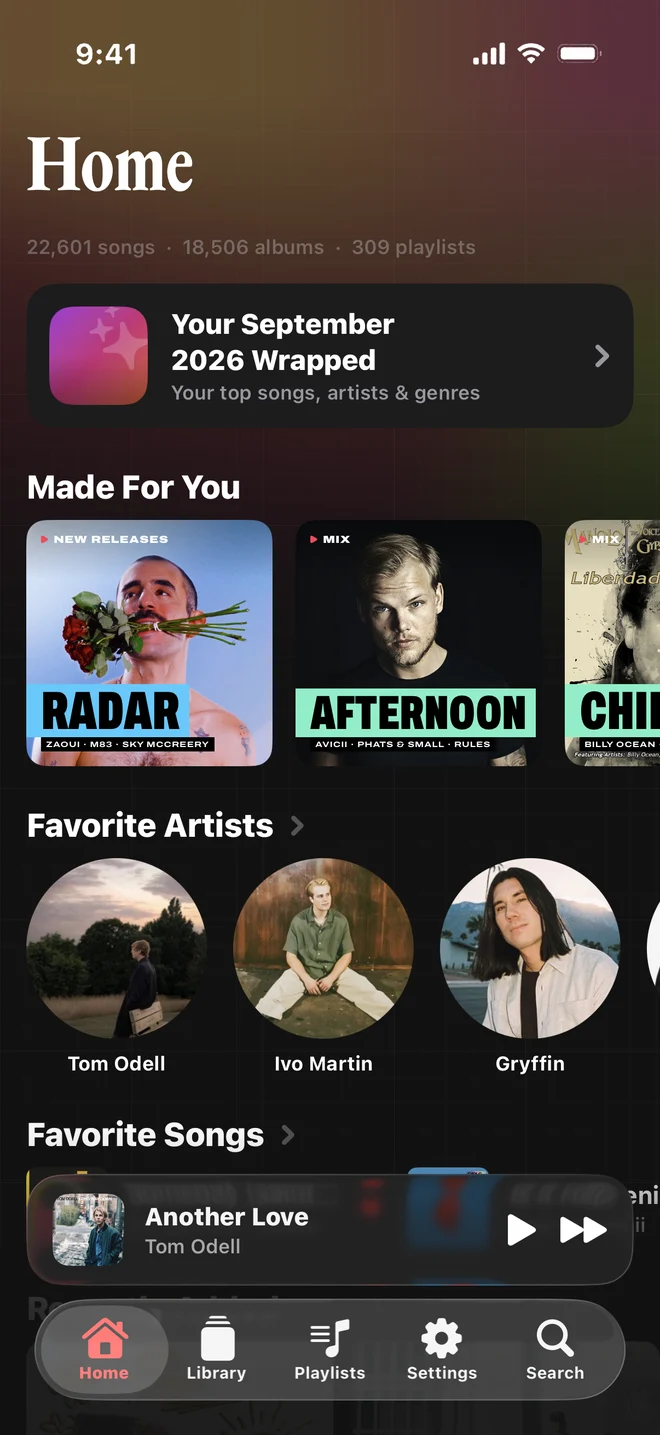
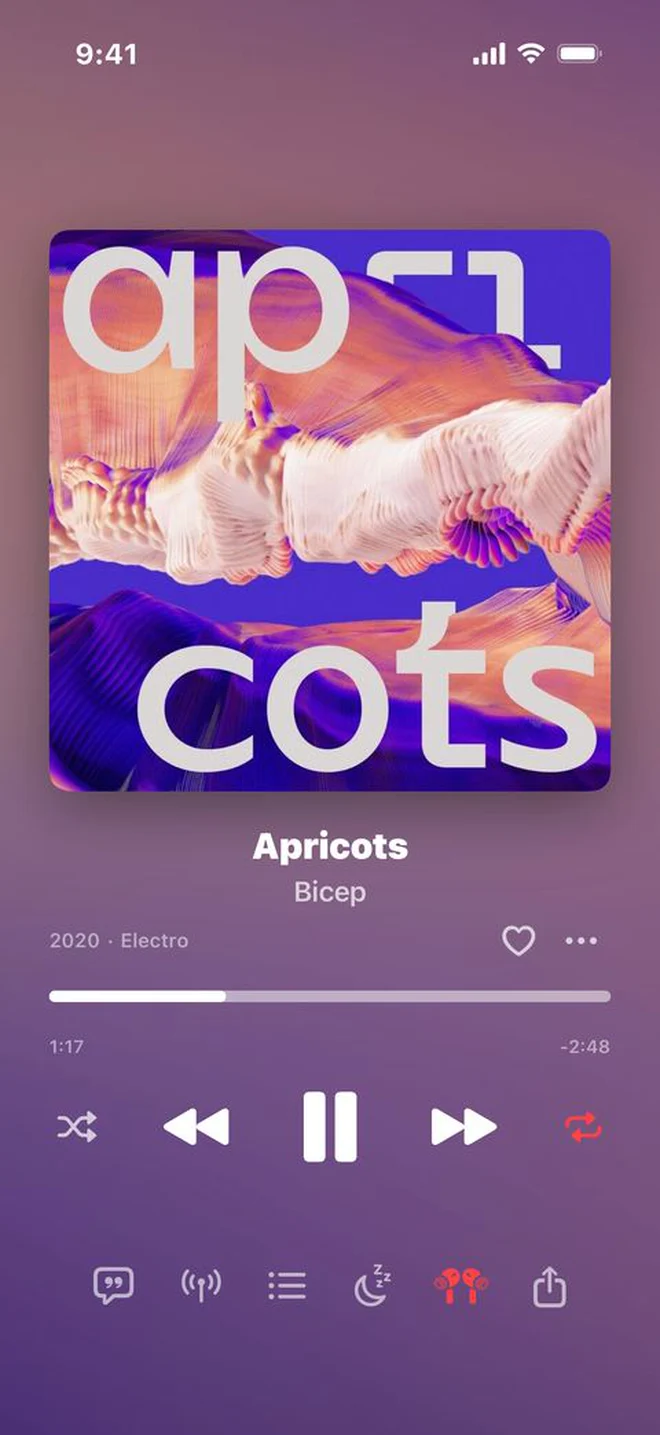
Built like it camewith your iPhone.
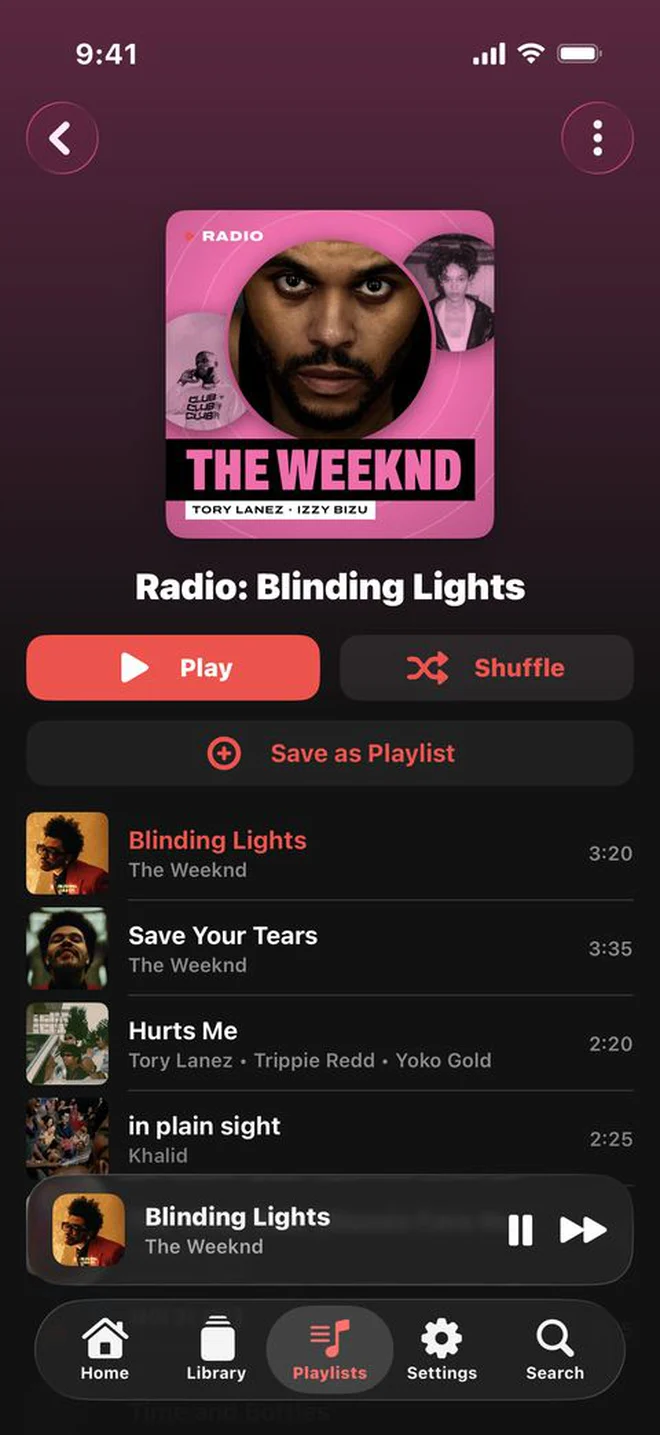
Instant Mix
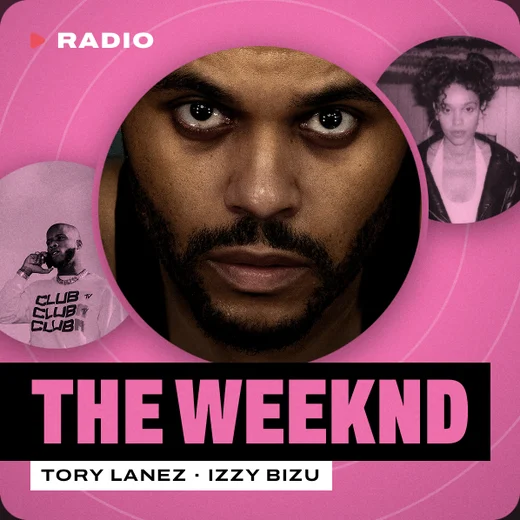
Start a radio from any song or artist. When the queue runs dry, autoplay keeps going. Save it as a playlist on your server, and its cover goes with it.
A real equalizer.
Five bands, fifteen presets, a curve of your own, and ReplayGain. Drag a point, or pick a preset.
Radar
This month’s releases from the artists you play most, newest first. What your server has plays whole; the rest plays as thirty-second previews, lyrics and all. Swipe away a release you don’t want, or stop following an artist.
-
 Karaté Cœur
-
 I Wrote You A Letter
-
 LIMINAL SPACES
-
 don’t let go til you hate me
On your serverPlaying a thirty-second preview
Made For You
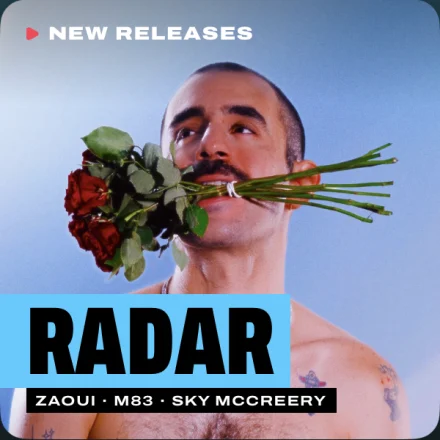
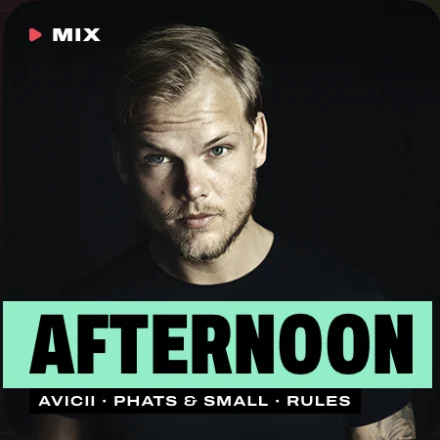
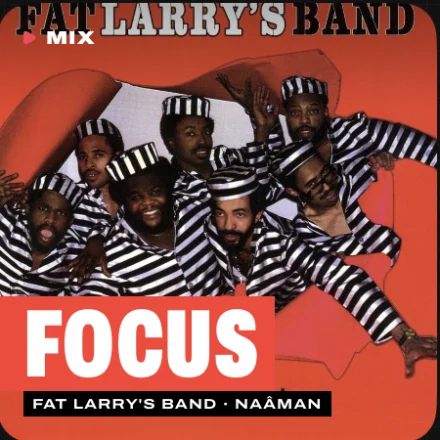
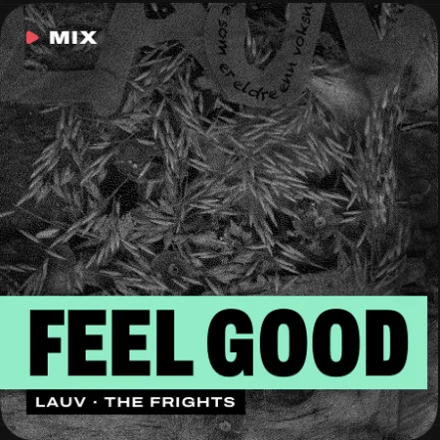
Mixes by time of day, mood and genre, drawn from your own library, each with its own cover. The Radar leads the row, and a Wrapped for each month and each year looks back on what you really played. Each mix on or off, the genres the genre mixes use, 25, 50 or 100 songs a mix, and genres left out of every mix.
-
RadarNew releases from your artists
-
Afternoon MixSongs for your afternoon
-
Focus MixSteady songs to concentrate
-
Feel Good MixUpbeat songs to lift your mood
-
Your September 2026 WrappedYour top songs, artists & genres
And all the rest.
- SiriAn artist, album, song, playlist or genre by name, your favourites, a song next or later in the queue, a like for the one playing, and pause, skip, shuffle or repeat. “Play my favourites in Aura”, or « Joue mes favoris sur Aura ».
- 25 languagesThe app in 25 languages, from French and German to Japanese, Korean and Chinese. Siri in English, French, Italian, Spanish, German, Catalan and Dutch.
- CarPlayYour library laid out as on the phone: Home with the mixes and the Radar, albums as cover grids, your playlists, every artist from A to Z, your server’s internet radio stations, a Downloaded tab and your offline playlists that play without a connection, and Now Playing with the heart, Up Next and a Radio button that follows the song with similar music.
- Apple WatchControl the iPhone’s player from your wrist: Now Playing, lyrics, Up Next, the Digital Crown on the volume. Search, or start a mix, a favourite or a playlist.
- MacA preview, from the same code as the iPhone app: the whole library in one window with a sidebar, Up Next as a side pane, lyrics in full screen, downloads, the equaliser and a menu bar player. Play on your iPhone from the Mac, or the other way round.
- Lock Screen & IslandControls on the Lock Screen, in Control Center and in the Dynamic Island, and AirPlay. A Now Playing widget for the Home Screen.
- Search that forgivesFuzzy, ranked so what you typed comes first, and it remembers what you played. With the Radar on, it also shows releases your server doesn’t have yet, as previews. Paste a song link from another service to find it there.
- Playlists, filteredA grid of covers or a list, narrowed in a tap to the pinned ones, radios, mixes, yours, shared or downloaded. Covers from your photos, folders, Suggestions, Undo and Remove Duplicates. Edits made offline reach your server once you’re back, and a playlist kept downloaded downloads its new songs on its own.
- Songs by languageFilter your songs by the language of the music, told on the iPhone from the lyrics or the title.
- A real queuePlay next, add to the end, drag to reorder. And a sleep timer that stops after a set time or at the end of the song.
- Pages in colourAlbums, playlists, mixes and radios open in the colour of their artwork. When your server has no cover for an album, Aura finds it in Deezer’s catalogue.
- Your lookLight or dark, any accent colour — nine ready-made or one you pick — the tabs and Home sections in the order you like, and the buttons under Now Playing reordered or hidden.
- Landscape clockSwitch it on in Settings and turn the phone sideways while music plays: the time large, the song beside it, and a tap on the cover for the lyrics, one line at a time.
- Several serversKeep more than one profile and switch from the Home title, each with an optional home-network address and custom headers, and several music folders at once. With Switch When Unreachable, Aura moves to the next server that answers.
- Share linksSend a song as links that open it on other services, found through Apple’s and Deezer’s public search.
- iPadLaid out for the bigger screen: Now Playing puts the lyrics or the queue beside the artwork in landscape, and the widget comes along.
- Pitch & SharePlayPitch a semitone at a time, as on a turntable. SharePlay over FaceTime, everyone streaming from the same server.
- Ratings & scrobblingStar ratings and plays go to your server, and wait on the iPhone while you’re offline.
- ShortcutsSiri phrases in the Shortcuts app, and aura:// links that play a playlist or an album, shuffled or not, and play, pause or skip.
- CrossfadeGapless by default, or a crossfade of 3 to 12 seconds between songs, in Settings, Sound. Songs from the same album stay gapless.
Every word,as it’s sung.
Word by word when your server has the timing, line by line when it doesn’t, LRCLIB for the rest. For a duet or a remix, Aura checks the words match the version playing, and Radar previews show their lyrics too. If the timing is off, let Aura time them by ear: it listens to the song on the iPhone and places each line and word. Or set it yourself, a tap as each line starts, and shift it all if your Bluetooth headphones lag. Add your own free Gemini key, and a tap puts a translation in your language under each line.
Scroll to sing along, or tap a line to jump to it.
Your music stays yours.
Aura talks to the server you set up. There’s no account to create, and nothing is sent to the developer.
No account. Nothing to sign up for.
Add your server address, a username and a password, and you’re listening.
Keychain. Passwords stay encrypted.
Server passwords live in the iOS Keychain, never in plain text.
No tracking. Nothing comes back to us.
No analytics, no developer server. Lyrics, credits, artist photos, the Radar and share links use public services, each one listed in the privacy policy.
Free. No ads, no subscription.
Nothing to buy inside the app, and nothing to unlock. The code is open, under the GPL 3.0, on GitHub.
Aura is a client, not a server.
It plays the library you host on Navidrome or any Subsonic server. It doesn’t host or provide any music.
Free and open source, on iPhone, iPad, Apple Watch and Mac.
iOS 26 or macOS 26 or later · Navidrome, or any server that speaks Subsonic API 1.16.1